
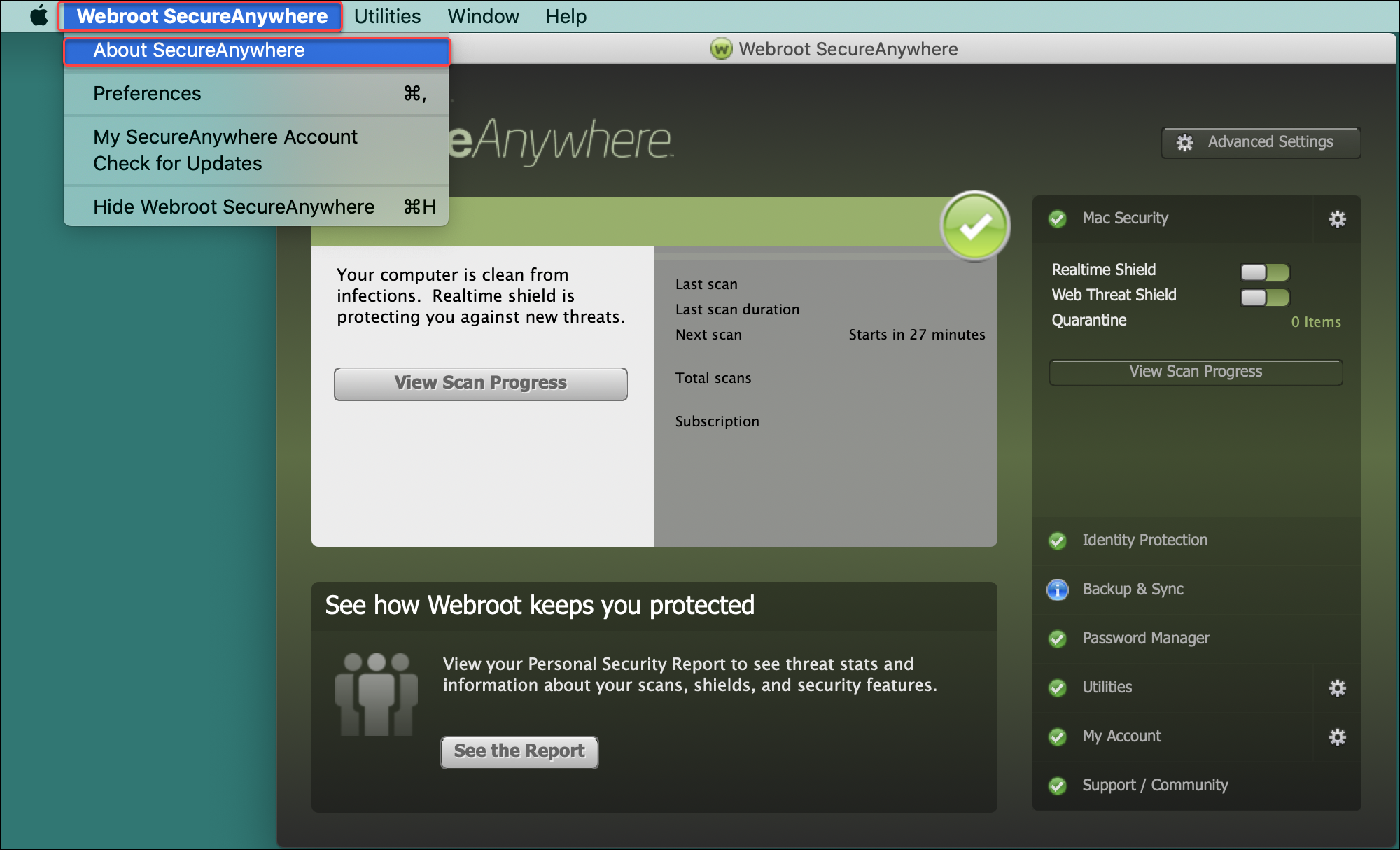
- Open Webroot SecureAnywhere.
- In the top left corner of the screen, click Webroot SecureAnywhere.
- Select About SecureAnywhere.
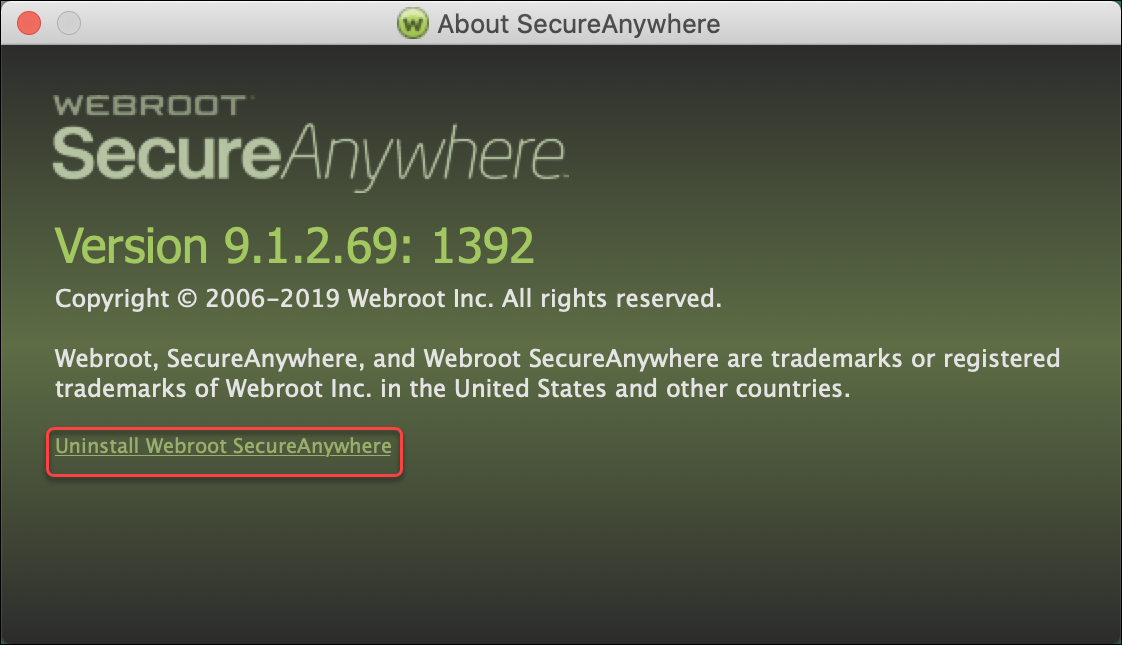
- In the pop-up, click Uninstall Webroot SecureAnywhere.
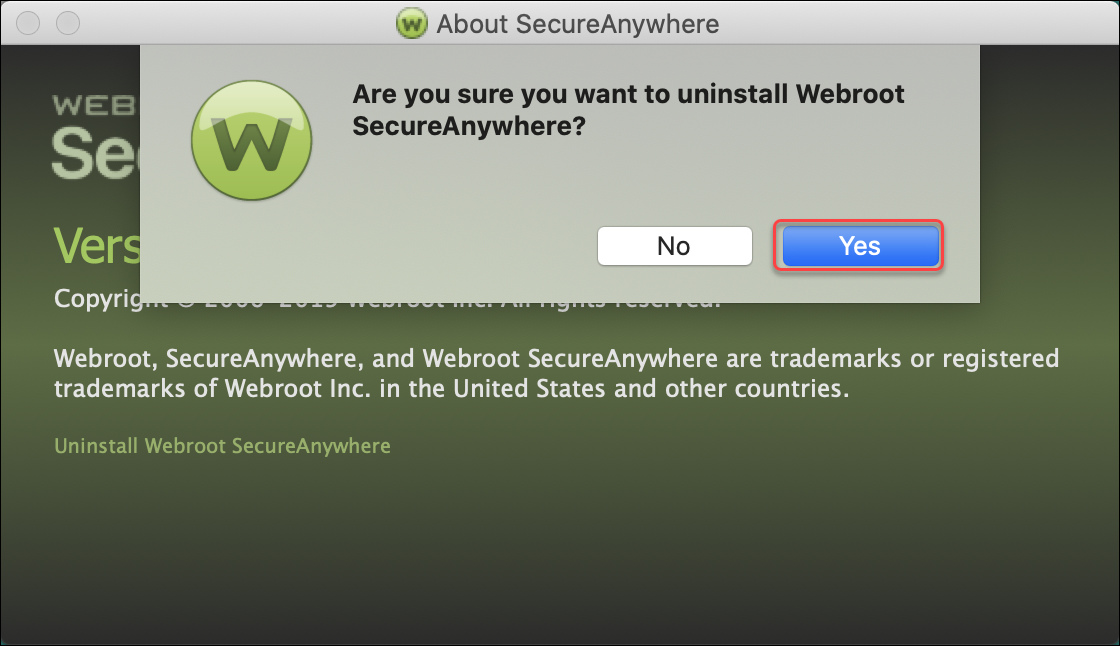
- In the pop-up, click Yes. Webroot SecureAnywhere will uninstall.
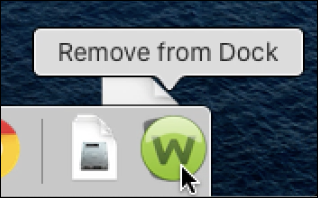
Note: If the Webroot SecureAnywhere icon is pinned to the dock, drag it to the trash.
Thanks for your feedback!
Powered by NOHOLD Inc. U.S. Patent No. 10,659,398
All Contents Copyright© 2025