
| Guest: | You want to log in to your online management account | |
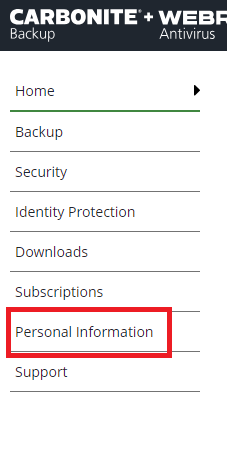
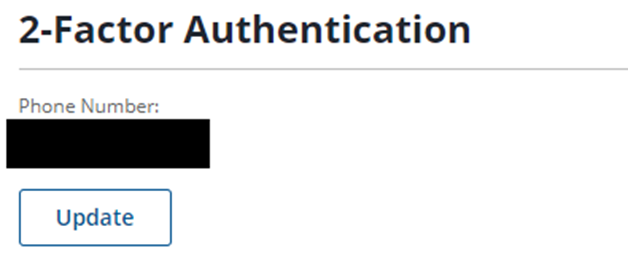
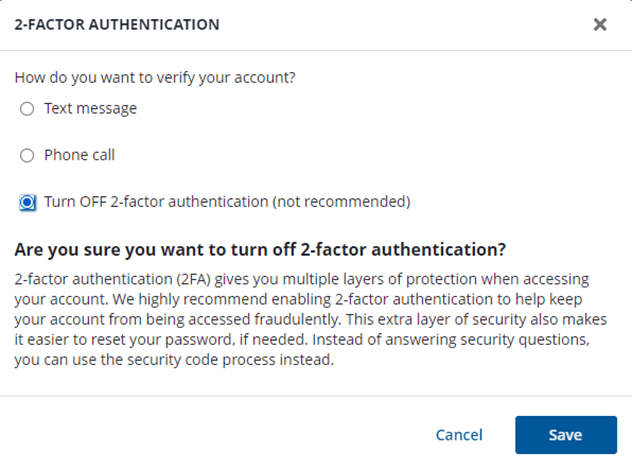
| Webroot: | 2-Factor Authentication can be disabled on your existing Webroot+Carbonite MyAccount if you no longer want the additional layer of security or plan on changing trusted devices. If you disable 2-Factor Authentication, you will no longer receive a call or a text message with a security code when you try to log in to your account. To disable 2-Factor Authentication, follow the steps below:
| |
| Webroot: | Did I answer your question? |
|
| Webroot: |  |
Powered by NOHOLD Inc. U.S. Patent No. 10,659,398